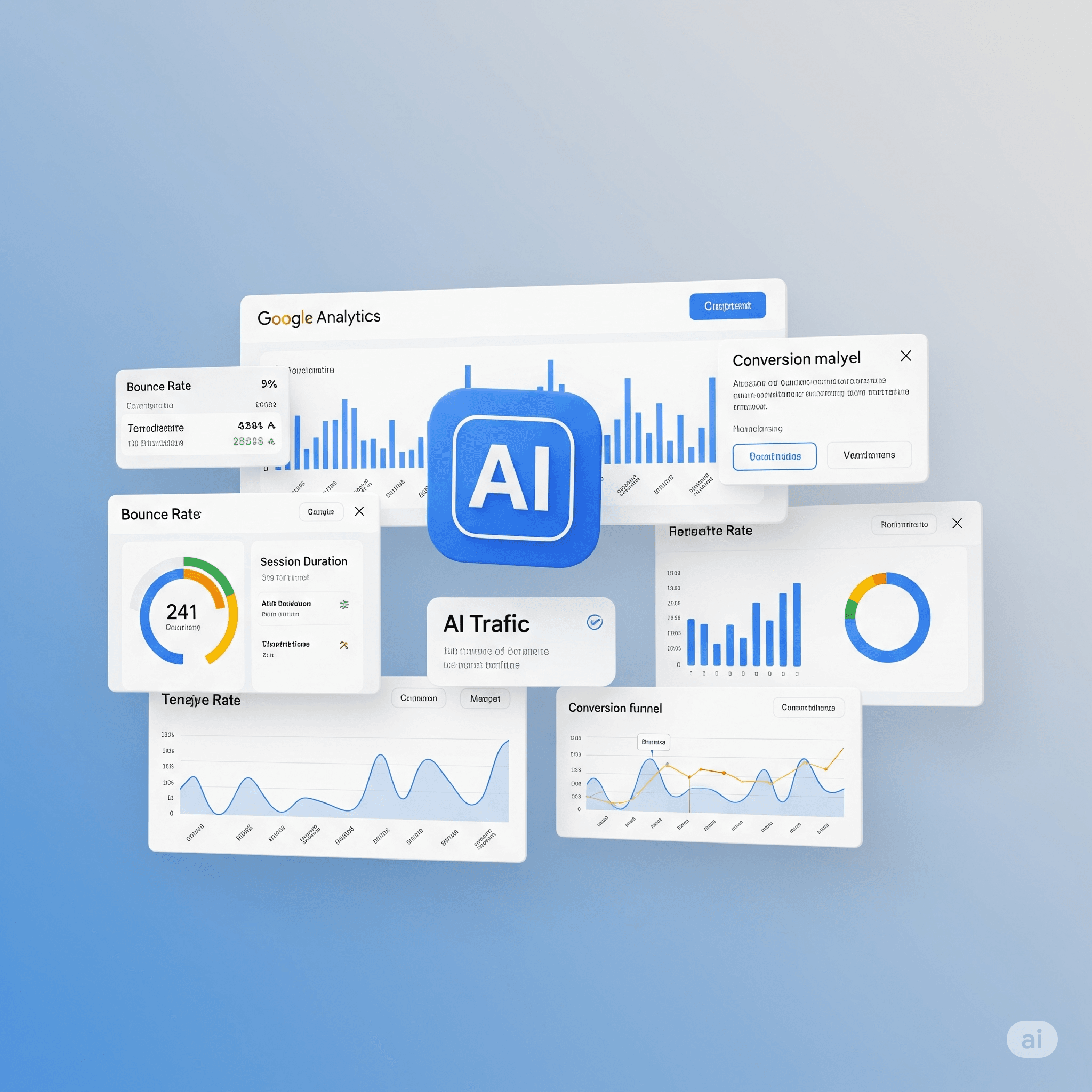
Artificial Intelligence (AI) is everywhere, including in the way users interact with the web. From chatbots like ChatGPT to AI-generated responses in search engines, traffic to your website can now come from unexpected sources. Understanding how to analyze this “AI traffic” is crucial for refining your digital strategy. In this article, I will explain how to do this effectively using Google Analytics 4 (GA4) and Google Search Console (GSC).
[wpnlweb placeholder=”A question about a SaaS” button_text=”See our answer” max_results=”5″]
What is AI Traffic and Why Analyze It?
AI traffic refers to visits to your website generated by interactions with Artificial Intelligence tools. This can include:
- Direct links from chatbots: When an AI tool directly sends a user to your site for more information.
- AI responses in search engines: “AI Overviews” that appear at the top of Google search results and may include links to your content.
- Other AI-based tools: Virtual assistants, AI content aggregators, etc.
Analyzing this traffic allows you to:
- Measure the impact of AI on your visibility and traffic acquisition.
- Optimize your content to be better referenced and cited by AIs.
- Understand the behavior of users coming from these sources (bounce rate, session duration, conversions).
- Identify new growth opportunities.
Analyze AI Traffic with Google Analytics 4 (GA4)
GA4 is your best ally for identifying and segmenting traffic from AI tools through the analysis of referrers.
1. Identify the Referral Sources of AI Tools
Most AI tools that send traffic to your site do so via referral links. Therefore, you should look for specific domains in your reports. Here are some of the most common AI referrers to monitor:
chatgpt.com(for OpenAI’s ChatGPT)perplexity.ai(for Perplexity AI)gemini.google.com(for Google Gemini)copilot.microsoft.com(for Microsoft Copilot)claude.ai(for Anthropic’s Claude)
It is essential to keep an eye on your “Referring Sites” report as new sources may emerge as the AI landscape evolves.
2. Create a Custom Segment for AI Traffic
Creating a custom segment is the most flexible method to isolate AI traffic and analyze it in depth in your GA4 explorations.
- Access Explorations: In GA4, click on the “Explorer” icon (the compass) in the left menu. Choose to create a new blank exploration or use an existing template.
- Create the Segment: In the “Variables” panel on the left, under “Segments,” click the
+sign. - Define the Segment:
- Select “User Segment” or “Session Segment” (the session segment is often more relevant for this case).
- Name it, for example, “AI Traffic“.
- Add a condition:
- Search for and select the dimension “Referring Site“.
- Choose the operator “contains” or, if you have multiple sources, “matches regex” (Regex).
- Enter the domains of the AI tools you have identified, separated by vertical bars
|if you are using a regular expression (e.g.,chatgpt.com|perplexity.ai|gemini.google.com).
- Save your segment.
- Apply and Analyze: You can now drag this segment into any exploration (e.g., “Free Exploration” or “Path Analysis”) to filter your data and see specific metrics (engagement, conversions, page views) for this traffic group.

3. Create a Custom Channel Group (for Standard Reports)
If you want AI traffic to appear as a distinct channel in your standard acquisition reports (like “Traffic Acquisition”), you can create a custom channel group.
- Go to Admin: Click on the gear icon at the bottom left of GA4.
- Access Channel Groups: In the “Property” column, under “Data View,” click on “Channel Groups.”
- Create a New Group: Click on “Create a new channel group.” Give it a clear name, for example, “My Custom Channel Groups (with AI)“.
- Add a New Channel: Click on “Add a new channel” and name it “AI Tools“.
- Define the Rules:
- Set the condition: “Session source/medium” “matches regex” with your AI domains (e.g.,
(chatgpt.com|perplexity.ai|gemini.google.com) / referral). It is important to include/ referralas it is the default medium for these sources. - Make sure to place this rule with a high priority so that it is applied before the default rules that would classify these visits as simple “referrals”.
- Set the condition: “Session source/medium” “matches regex” with your AI domains (e.g.,
- Save: Save your new channel and the channel group.
- View the Report: Go to “Reports” > “Acquisition” > “Traffic Acquisition”. At the top of the table, click on the main dimension (e.g., “Default session channel group”) and select your new custom channel group.
Analyze AI Traffic with Google Search Console (GSC)
Google Search Console provides insights into your site’s performance in Google search. Analyzing AI traffic here is a bit more complex because Google tends to aggregate this data with traditional web search results.
1. Understand the Integration of “AI Overviews”
Google integrates impressions and clicks from “AI Overviews” directly into the standard performance reports of the Search Console. This means that:
- You will not find a distinct filter for “AI Overviews” or traffic specifically generated by AI responses.
- The clicks and impressions your site receives from appearing in an AI overview are counted as clicks and impressions from traditional web search.
2. Monitor Queries and Positions
Despite the absence of specific filters, you can draw conclusions by closely monitoring:
- Performance Report: Go to “Performance” > “Search Results”.
- Queries: Examine the queries that generate a high number of impressions and clicks. More conversational or complex queries, which often match queries posed to chatbots or AI assistants, could be indirect indicators of visibility in AI overviews.
- Pages: Look at which pages receive the most clicks and impressions. If some of your pages are frequently used by AIs to generate responses (which you can confirm with GA4), their performance in GSC might reflect this visibility.
- Average Position: Although less relevant for AI overviews (which do not have a “position” in the traditional sense), an overall improvement in performance for relevant queries may indicate better consideration of your content by the algorithm, including for AI responses.
Current Limitations and Outlook
I think it is important to note that analyzing AI traffic is a field in constant evolution.
- Limited Granularity in GSC: Google does not yet provide granular data to precisely isolate traffic from “AI Overviews”.
- Dependence on Referrers in GA4: The effectiveness of analysis in GA4 relies on the ability to identify and categorize the referring domains of AI tools. If AIs start to mask their referrers or use different attribution methods, current strategies may become less effective.
- New Sources: The number of AI tools and platforms will continue to grow. Constant monitoring of your traffic sources is necessary.
Conclusion
Analyzing your AI traffic is essential for adapting your content and SEO strategy to a changing digital landscape. By using custom segments and channel groups in GA4 and closely monitoring the performance of your queries in GSC, you can begin to gain valuable insights into how artificial intelligences impact the discovery of your site. Keep an eye on Google’s updates, as new tools and metrics dedicated to AI are likely to emerge in the future.